Get OtoTasdik on your Android phone or iPhone
Service and fuel history in your pocket; claim by QR, and hand a buyer one link when you sell.
- Free for up to three cars
- No subscription
- No ads
- Data stored in the EU
With the app, your wallet goes where you go
- Your garage, pocket-sizedYour cars, your records and your odometer travel with you.
- Claim by QRScan the QR code your shop hands you and tap Add to wallet; the record lands in your wallet.
- Sealed historyA record the shop has sealed cannot be changed afterwards. If anyone tampers with it, verification shows it.
- Share one linkSend a time-limited link at resale; the buyer checks the records the shop sealed on their own phone.
Look inside the app before you install it
These frames come from the app itself, in English, with a sample account. The app speaks Turkish, English and German; you can switch the language in Settings.
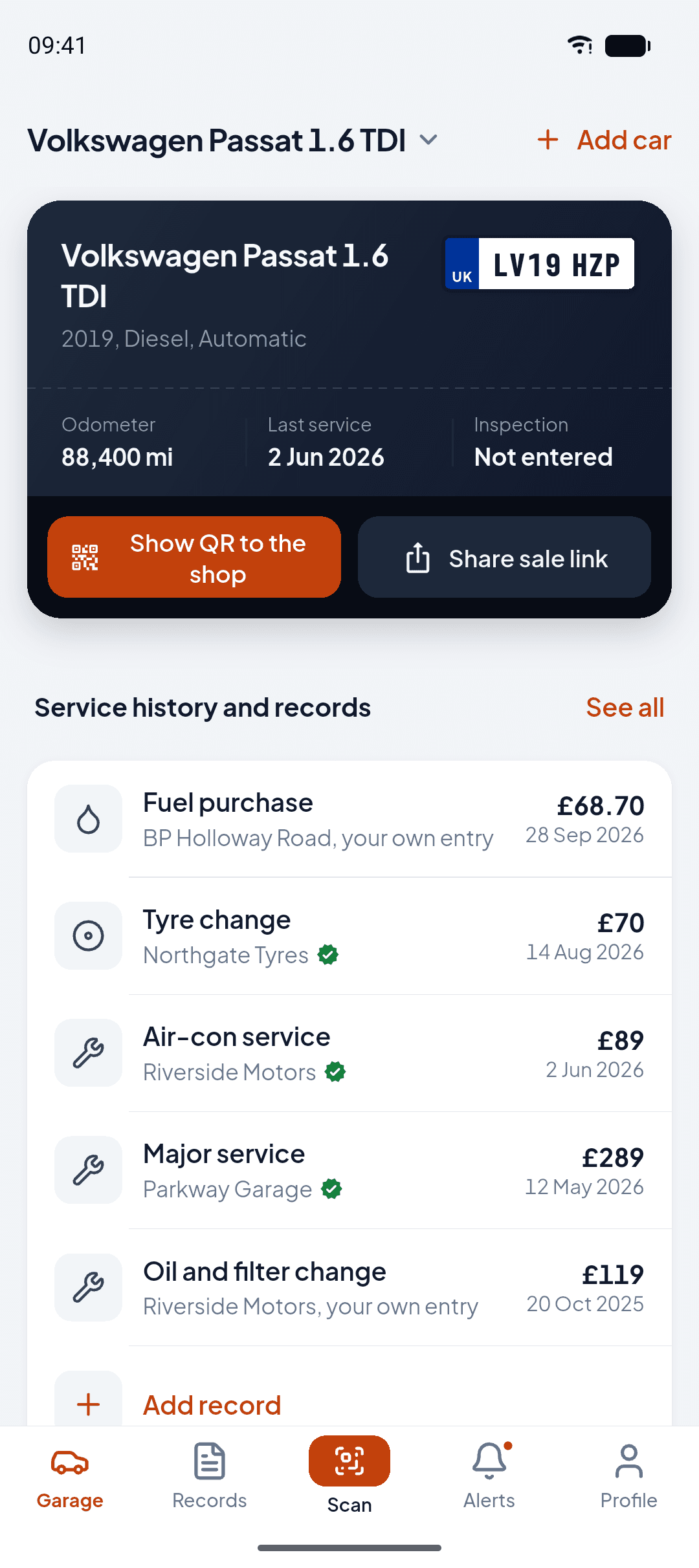
Your garage
Your car's card and its latest records on the first screen.
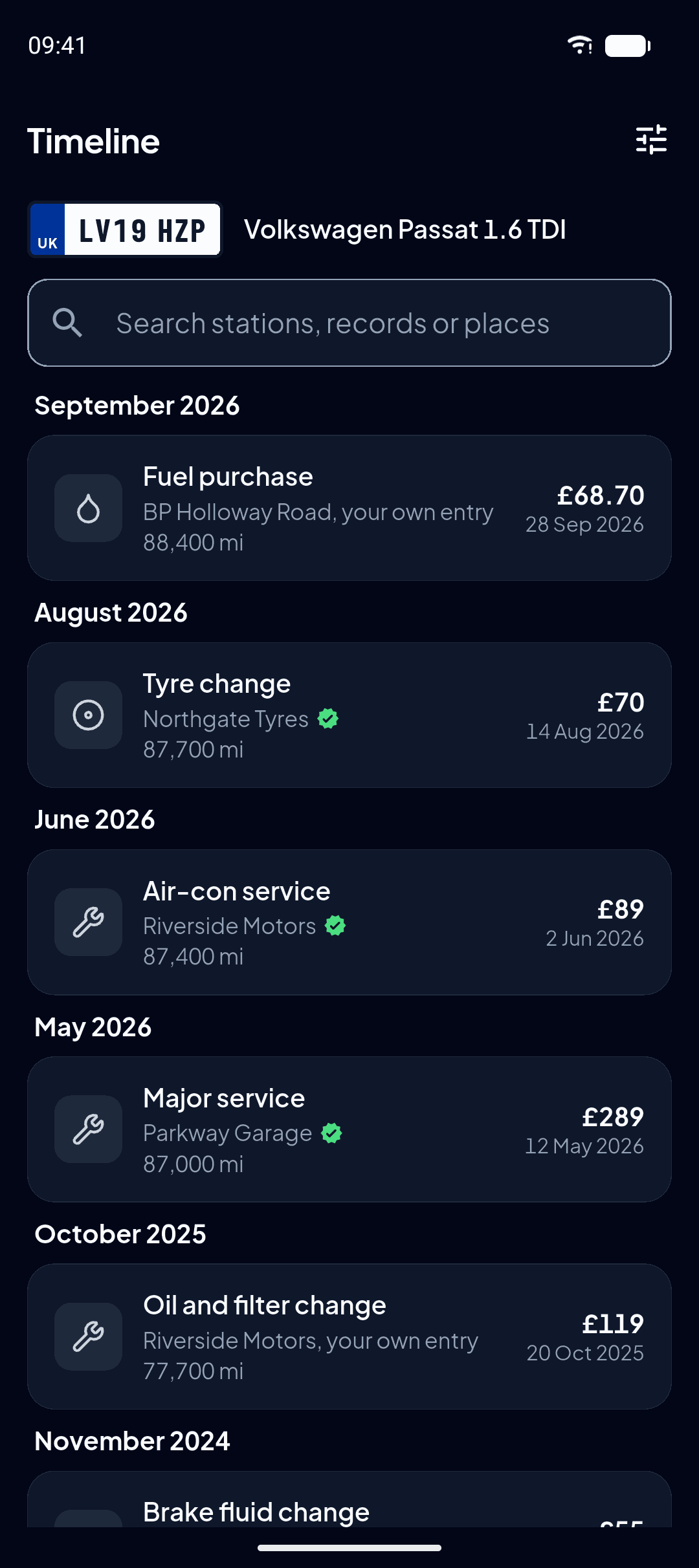
Timeline
Every record in order, with its date, odometer and source.
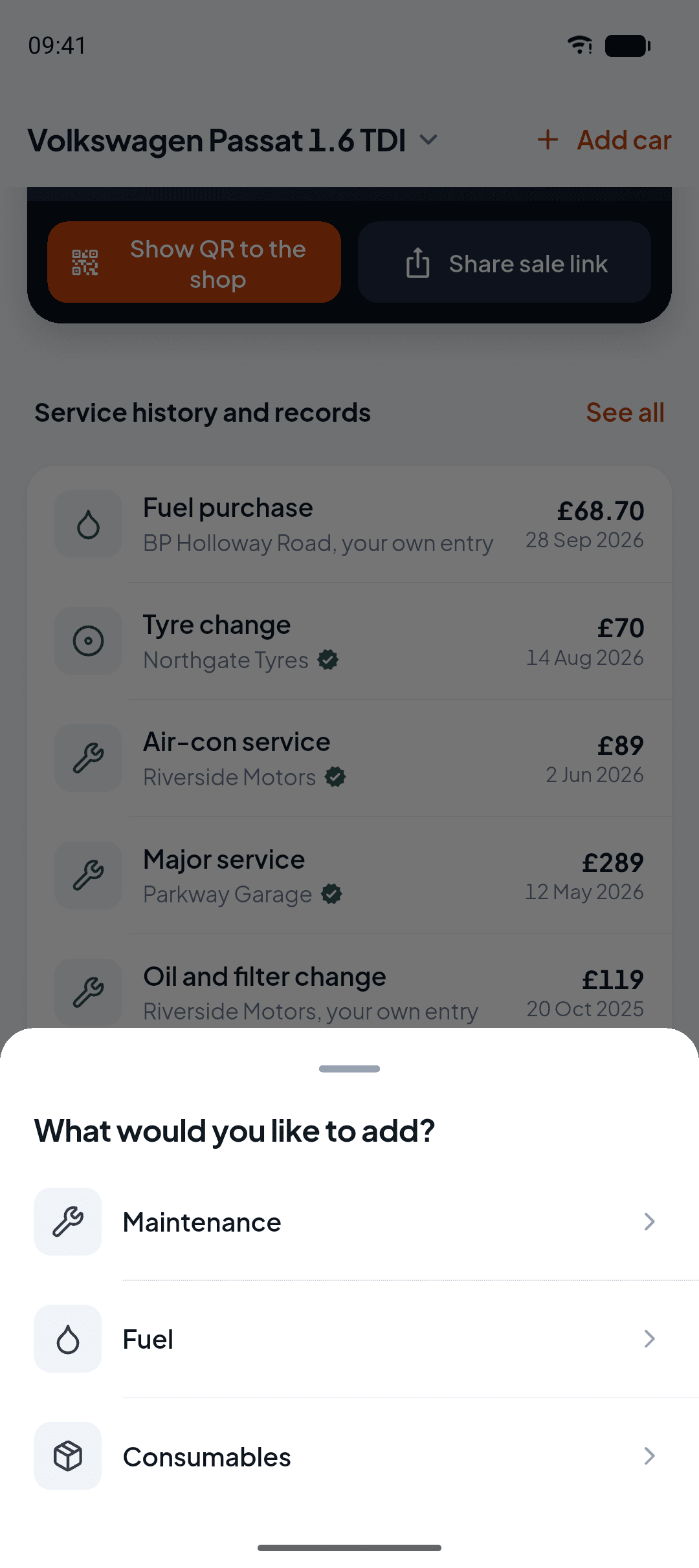
Add a record
Service, fuel and consumables go in from the same place; fines and accident reports are offered in Türkiye.
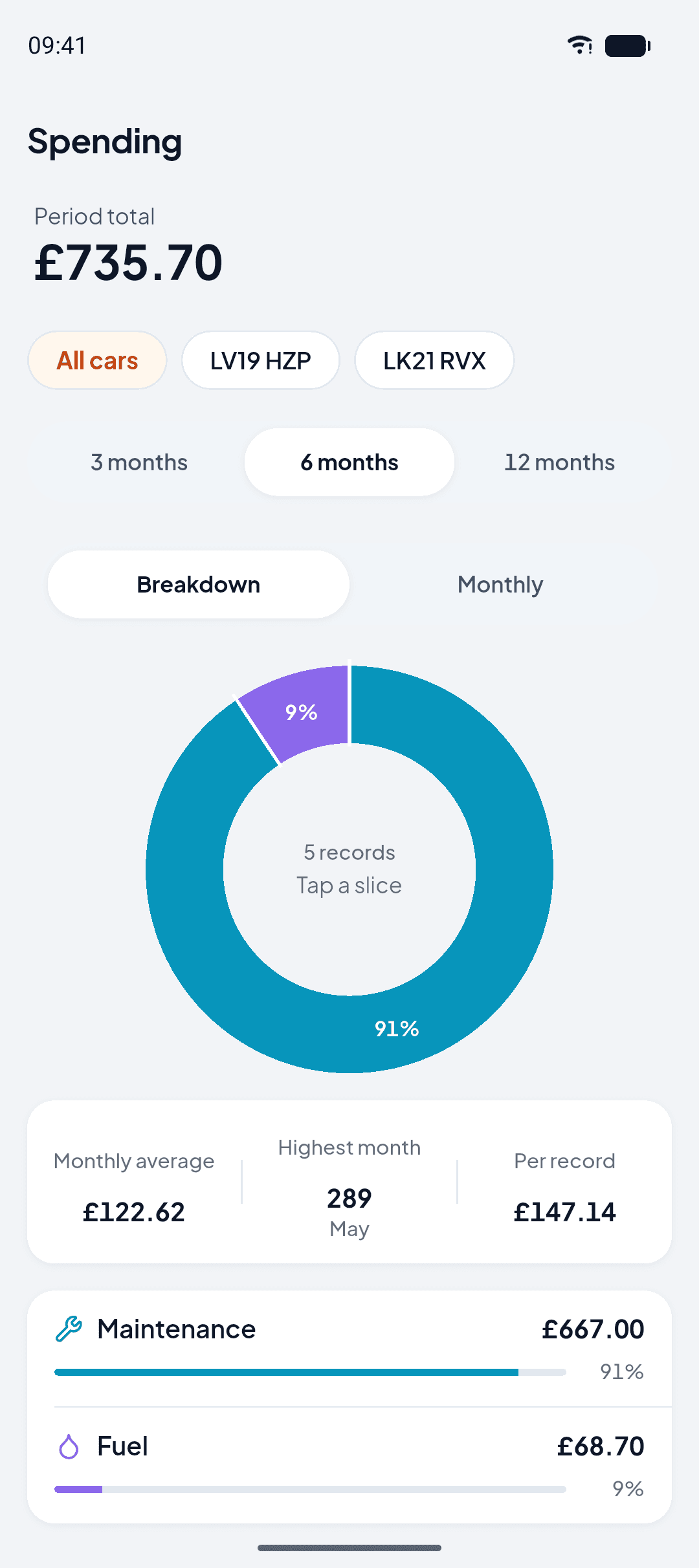
Your spending
The total for the period you pick, and how it splits by category.
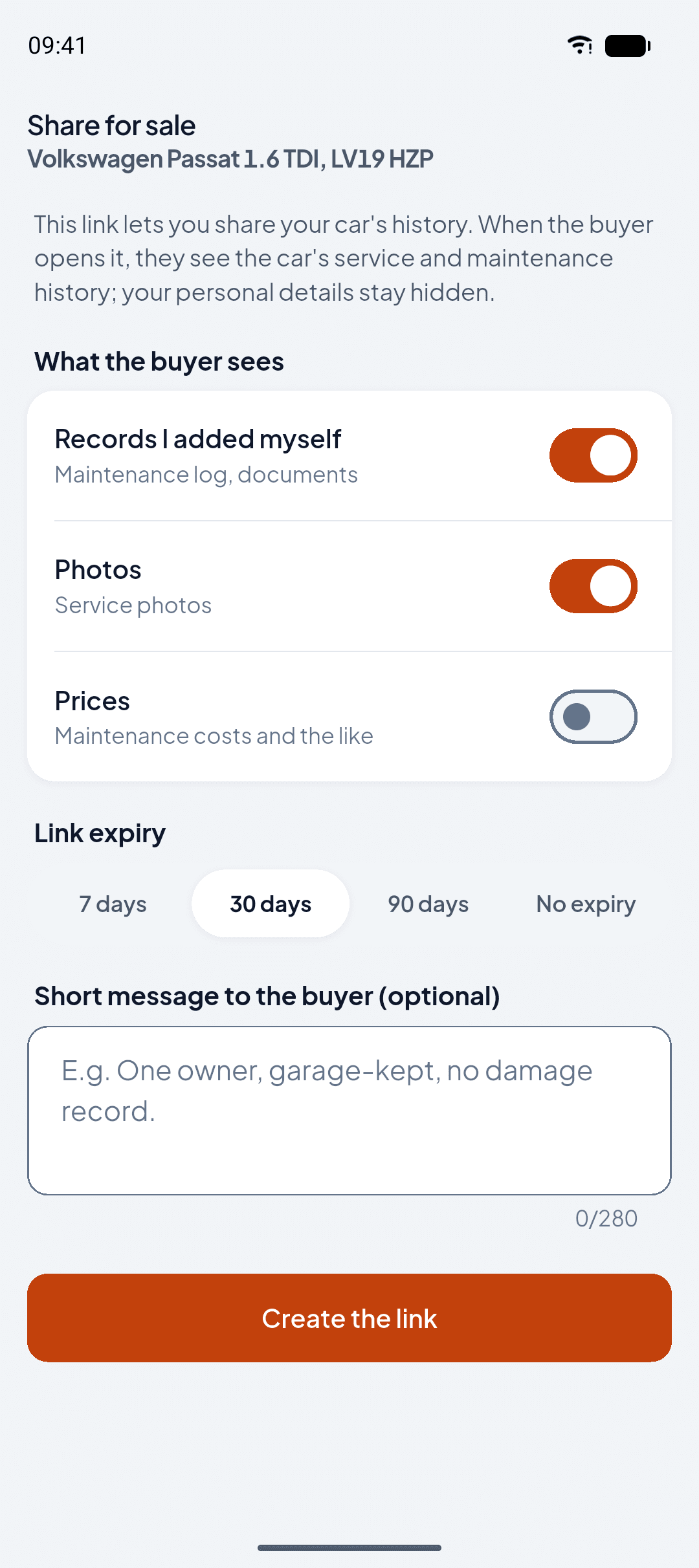
Choose what shows
You decide what reaches the buyer.
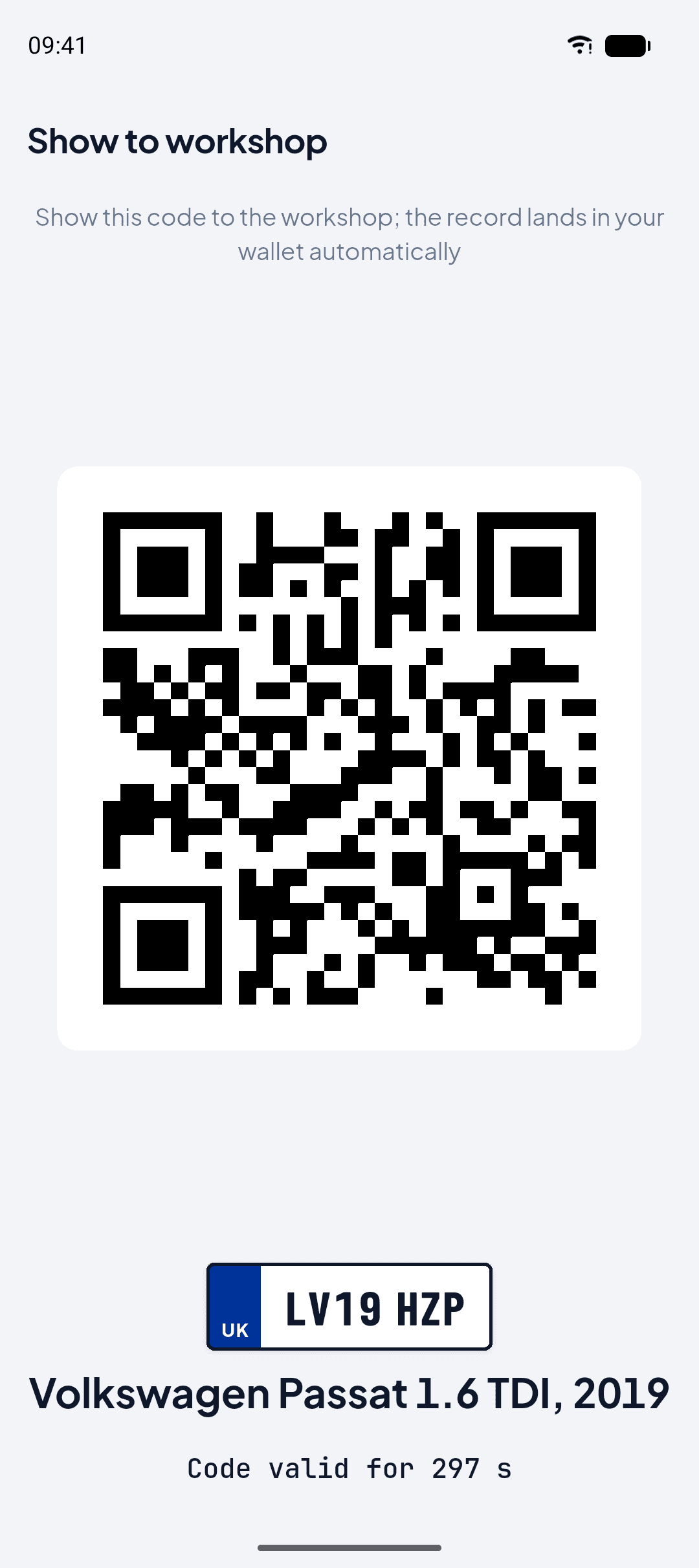
Show the workshop
Show this code at the workshop, and the job lands in your wallet as a record on its own.
Three steps from the store to your garage
Open the store
Tap one of the badges on this page, or search the store for “OtoTasdik”.
Install and register
Sign up with your email address; nobody asks for card details.
Add your car
Enter the VIN from the registration certificate, then the plate and the country it is registered in; your records start gathering here.
Which device can I use it on?
Android
LiveFree on Google Play; runs on Android 7.0 and above.
iPhone
LiveFree on the App Store; the same wallet as on Android.
Web browser
Always availableOpens at giris.ototasdik.com, with nothing to install.
PDF guides that walk through every step with screenshots
There are two: an app guide for car owners and an app guide for independent workshops. Orange numbers on the pages show which button to tap.
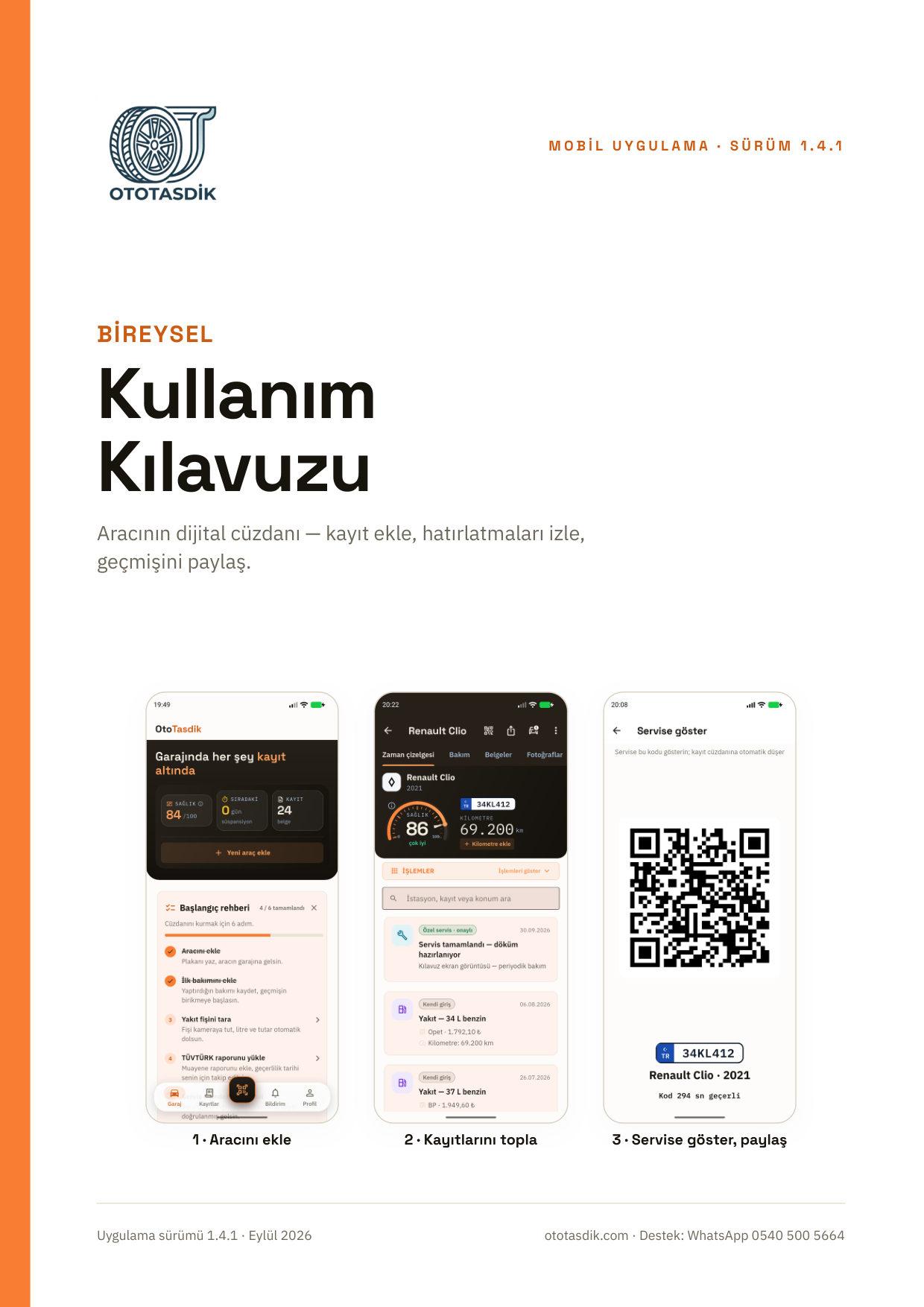
Guide for car owners
For individuals using the Android or iPhone app
PDF, 35 pages, 7.1 MB
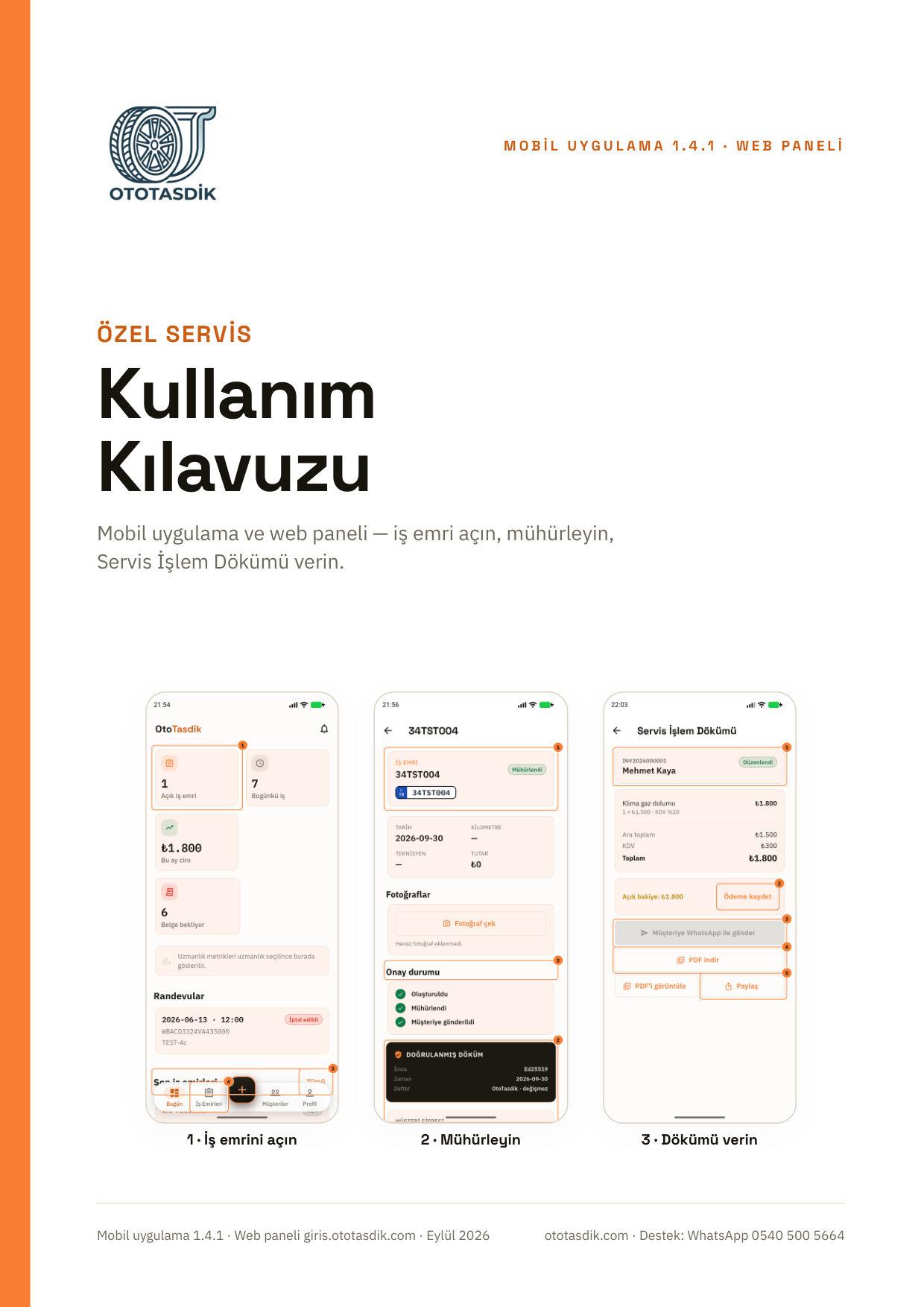
Guide for workshops
For independent workshops using the Android or iPhone app
PDF, 31 pages, 6.8 MB
Both guides are in Turkish for now. The app itself also speaks English and German; you can switch the language in Settings.
Questions people ask about the app
Is the OtoTasdik app free?
Yes. Car owners and independent workshops pay nothing, and an owner's wallet holds up to three cars. We show no ads and ask for no card details. Some VIN-based lookups may be paid later; the wallet stays free.
Is there an iPhone (iOS) version?
Yes, live on the App Store and free. It is the same wallet as Android: records sit in your account and stay in sync across both platforms.
Which Android versions are supported?
Every device on Android 7.0 and above, tablets and Chromebooks included.
How does a record from a repair shop reach the app?
If you show the shop the code from Show QR to the shop, the record lands in your wallet once the job is sealed. If the shop hands you a QR code or a WhatsApp link instead, open it and tap Add to wallet. If the shop does not use OtoTasdik, photograph the service slip. With your consent the app fills in the form, and you check it and save.
What you record today, the buyer sees when you sell
Install the app and add your car; the records gather from there.
Reading this on a computer? Open a wallet in your browser